📖 PackLite HowTo
How to Manage Your Gear in PackLite
Learn how to add, edit, and organize your gear inventory.
What You Will Do
This guide shows you how to build and maintain your gear inventory. You'll learn how to add new items, record their weights, organize them by category, and keep your gear list current as your collection changes.
Before You Start
- You are logged in to PackLite.
Step 1 - Open Gear Inventory
Navigate to Gear to view your inventory.
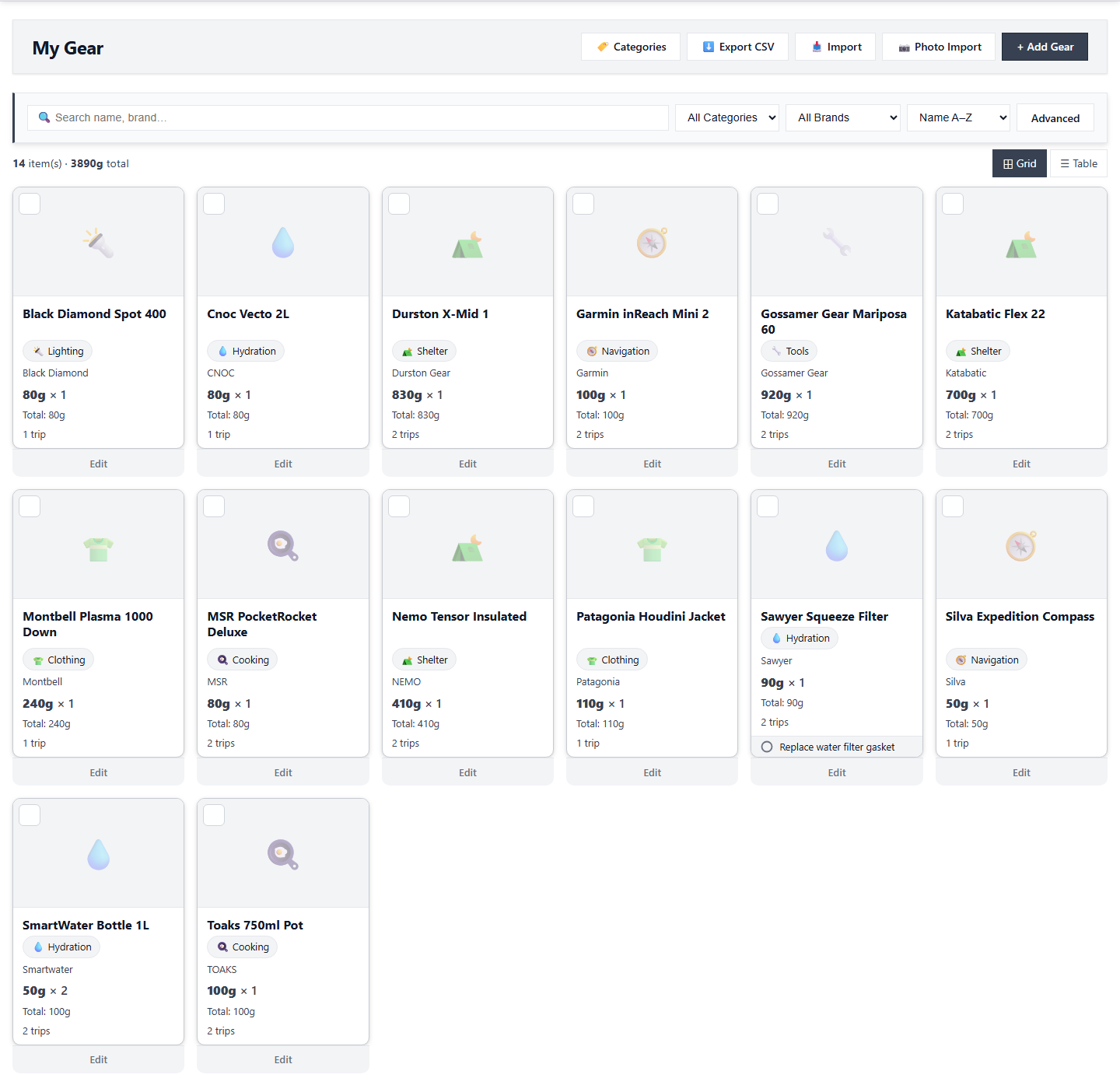
Tip: Your complete gear inventory is displayed here with weights and categories.
After Completion
- Your gear list is organized and ready to use.
- Each item has an accurate weight recorded.
- You can now use your gear in trips and pack templates.
Troubleshooting
- Invalid weight: Weights must be positive numbers.
- Items not organized: Use category organization to help with pack planning.
- Need to edit items: You can edit gear items anytime by clicking on them.